
In development
Send files directly to friends.
EasyDrop is a desktop app for private, peer-to-peer file sharing. Send to an online friend or share with an access code. An account is optional.
How it works
-
Choose how to share
Use an access code to share files without an account. If you want a friends list that follows you across computers, sign in with a one-time email code.
Friend invites are single-use and expire after 24 hours. The inviter approves the request before either person can send to the other as a friend.
-
Drop your files
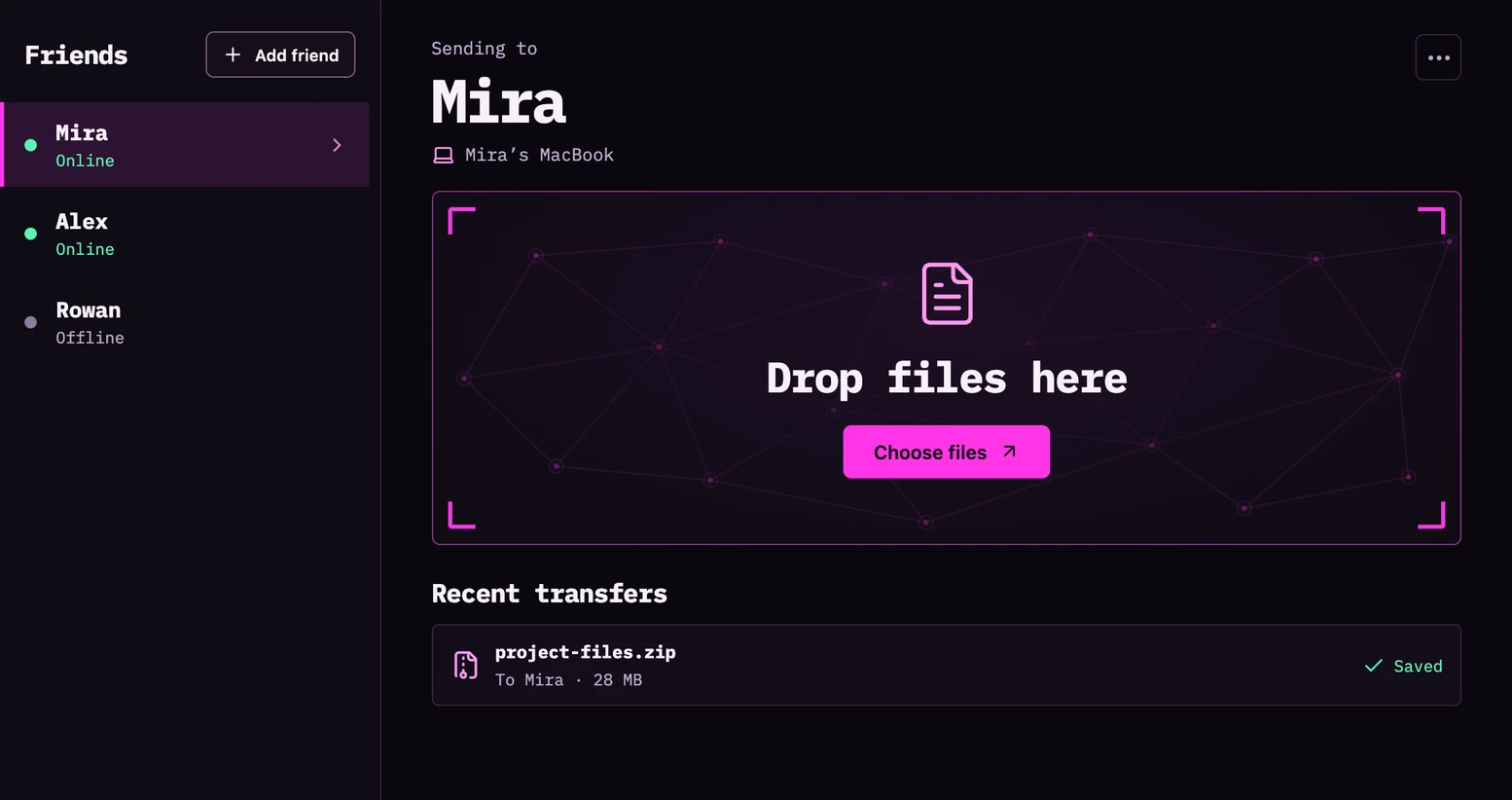
Drop one or more files or click Choose files. Both computers need to be online to start a transfer. The files travel directly between them.
-
See when the files arrive
Follow progress in Recent transfers. EasyDrop shows Saved once the receiving computer confirms it has written the file.
Receive files on your terms
- Send to the right computer
- When you send to a friend, EasyDrop chooses their preferred computer if it’s online, or their most recently connected online computer.
- Review incoming files
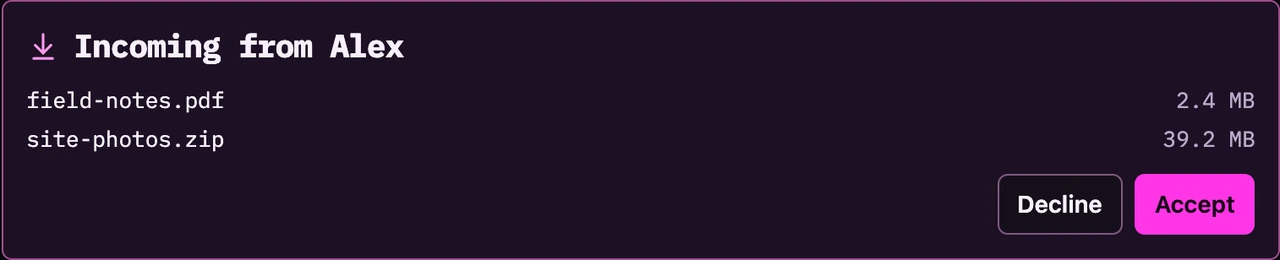
- With Ask first, you see the sender, filenames, and sizes before you accept. You can turn on Auto-save for an individual friend on each computer.
- Choose where files go
- Files go to Downloads by default. Change the folder in Settings. EasyDrop adds a numbered suffix when a filename already exists.
- Stay available in the background
- Closing the window keeps EasyDrop online. Incoming requests appear in desktop notifications and in the app. Use the tray or menu bar to reopen the window or quit.
Downloads
EasyDrop is in development for desktop and mobile.
-
macOS
Disk image (.dmg)
Coming soon
-
Windows
Setup installer (.exe)
Coming soon
-
Debian-based Linux
Debian package (.deb)
Coming soon
-
iOS
Coming soon
-
Android
Coming soon
-
Linux CLI
Coming soon
Support EasyDrop
Make a voluntary contribution to PWS Online Kft. to help fund EasyDrop development.
Payments are handled by Stripe. Stripe privacy policy
Checkout questions? Email EasyDrop